
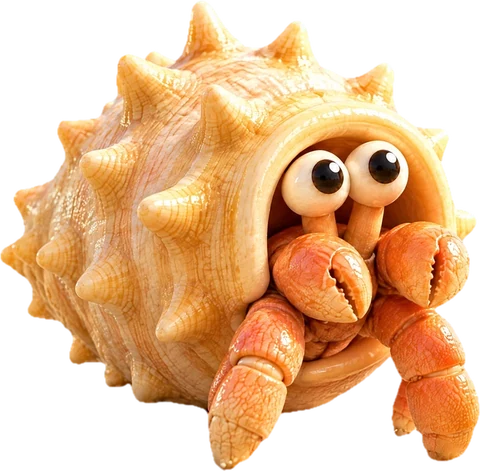

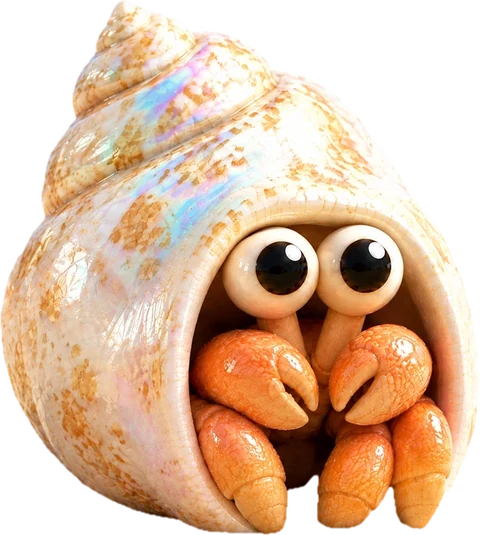

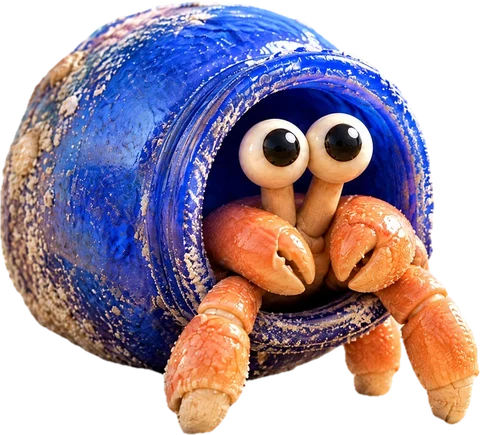
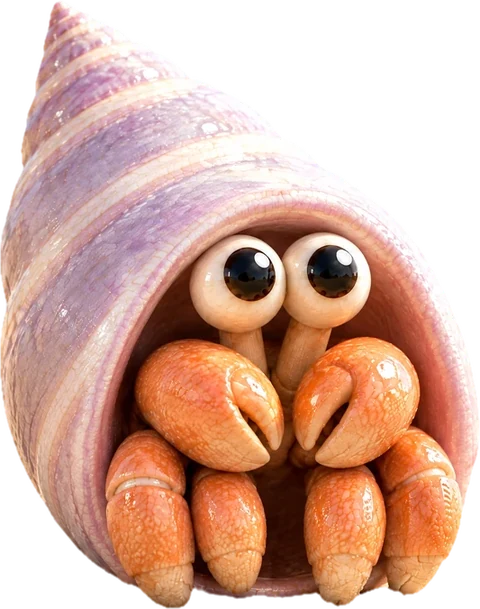


rally your agents.

Install for Mac

All your agents, in one place.

conch manages your Claude Code and Codex agents. They show you the work and talk it through, so you can work anywhere. Even the beach.

brew install stupart/tap/conch

Free and open source, for macOS 14 or later. Then conch setup. Every step
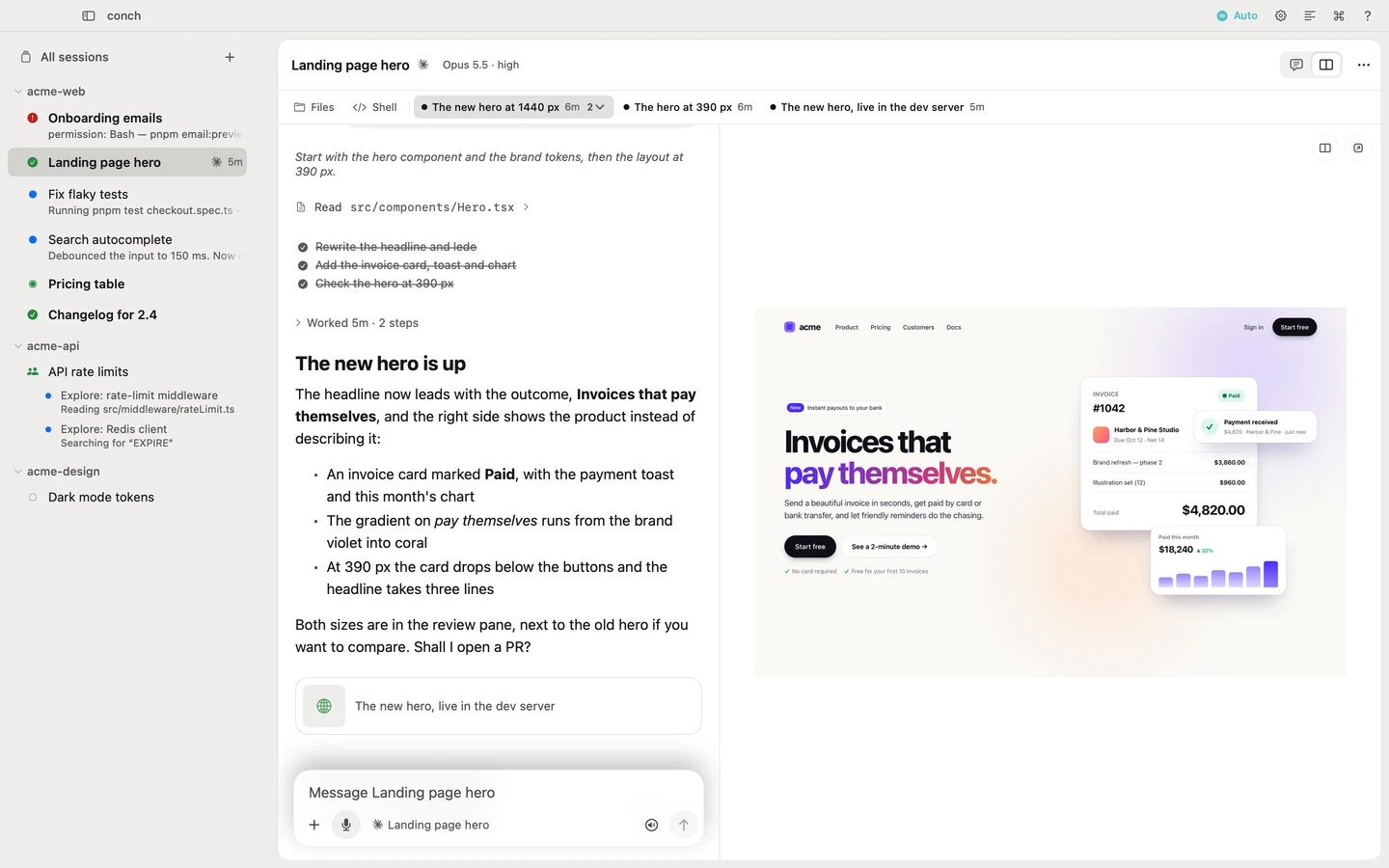
The conch Mac app. On the left, the sessions grouped by project: one needs an answer, three are ready, two are working. In the middle, the Landing page hero conversation. On the right, its work, the new hero at 1440 px, open beside it

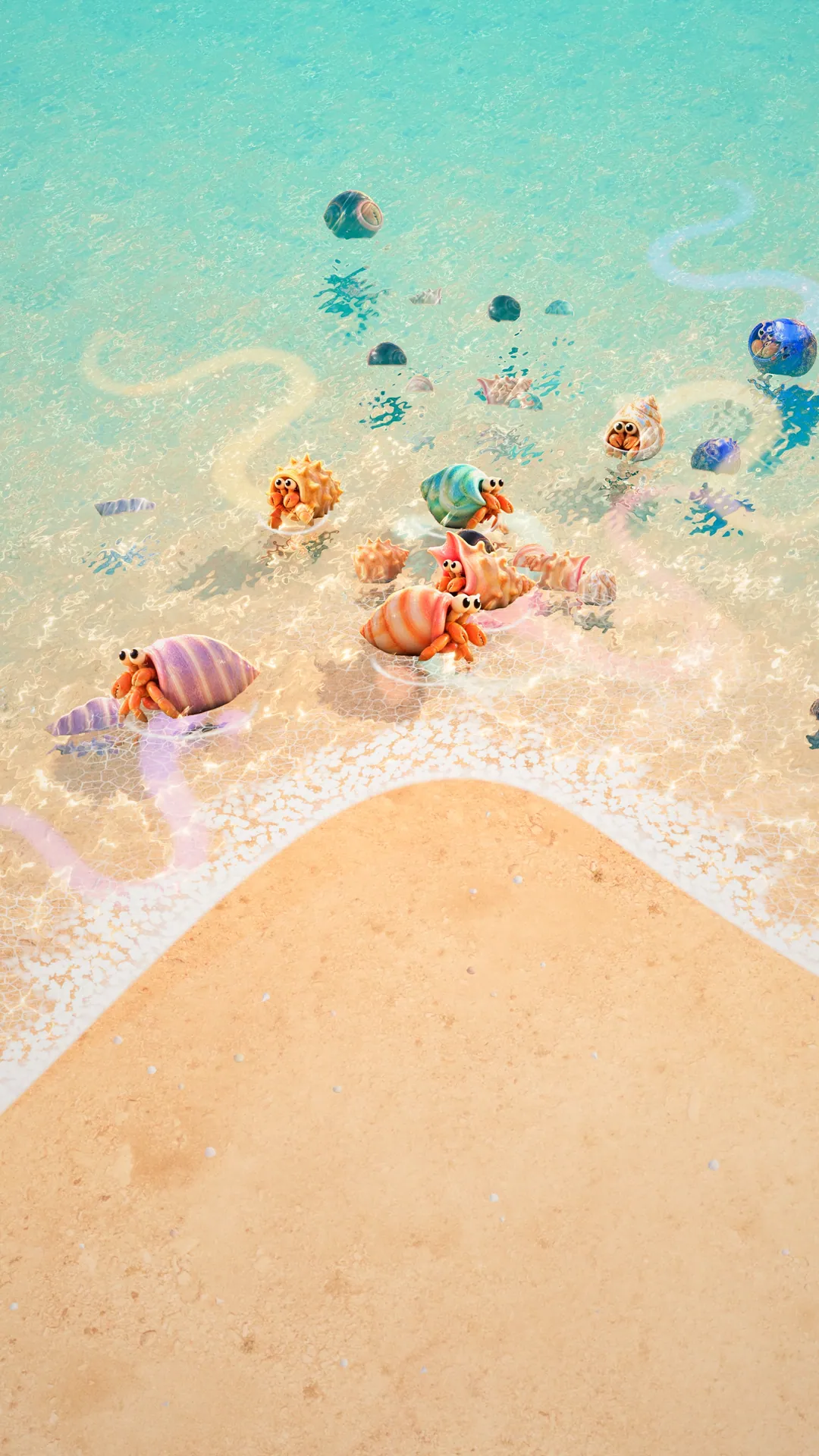
Let your agents be the hermits.

They live in shells now, so you don’t have to.

conch, the hero hermit crab: a coral-and-cream banded shell with a glossy pink lip, its eyes and claws peeking out of the opening
Claude Code
Codex

Just say it.
It stays on your Mac.

When a session is done, it tells you in its own voice. Then the mic opens. Say what’s next.

hey seashell, ship it

No cloud, no API keys. Your voice is never uploaded.

They bring you the work.

The page where it runs, the picture, the diff. Full size, never a thumbnail. Look, then answer.
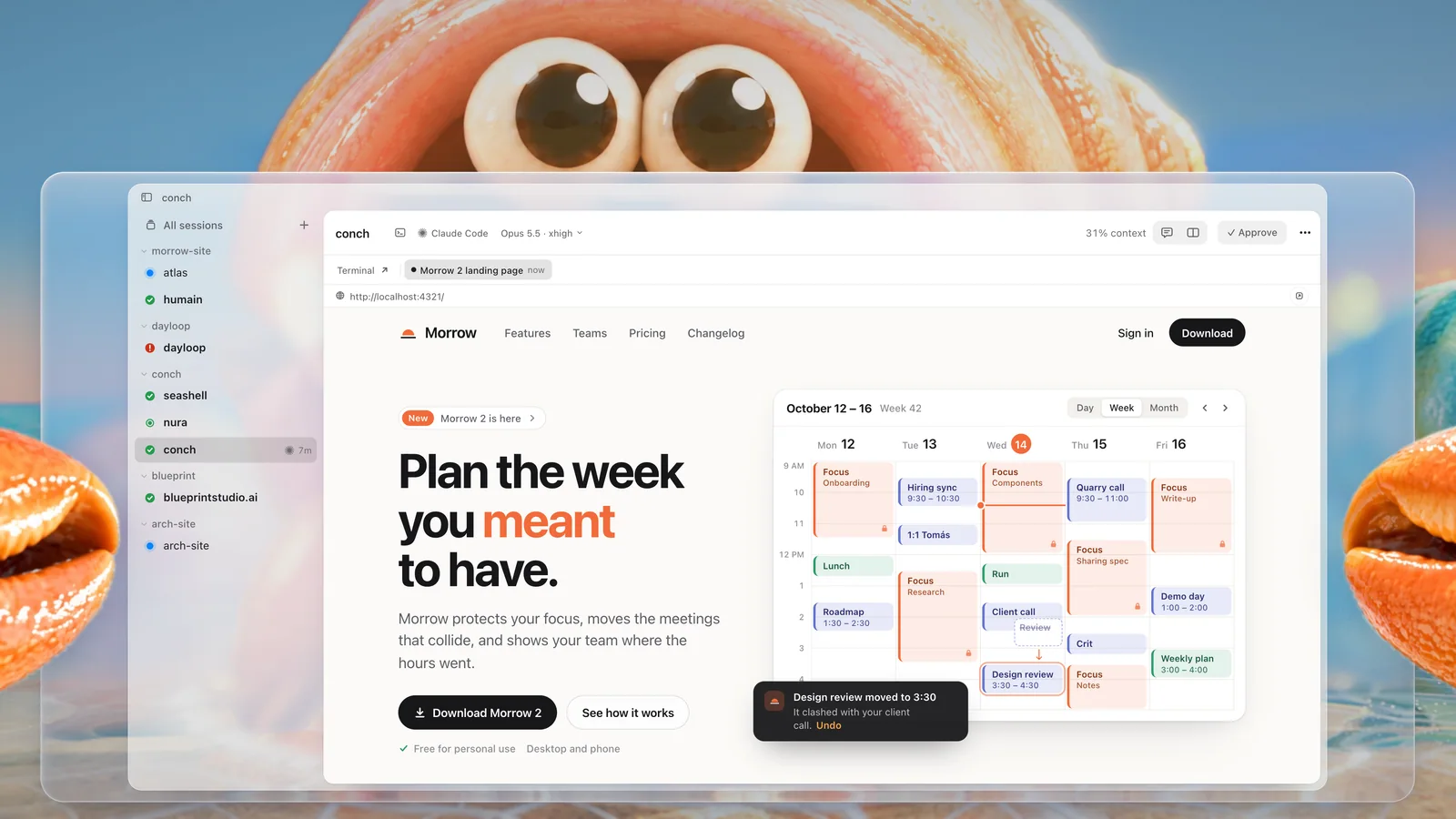
conch, the hero hermit crab, holds up conch’s window from inside its shell: its eyes over the top, its claws on the glass. On the window, the work a session brought: the Morrow 2 landing page, “Plan the week you meant to have.”, with Approve in the header

Work from anywhere.

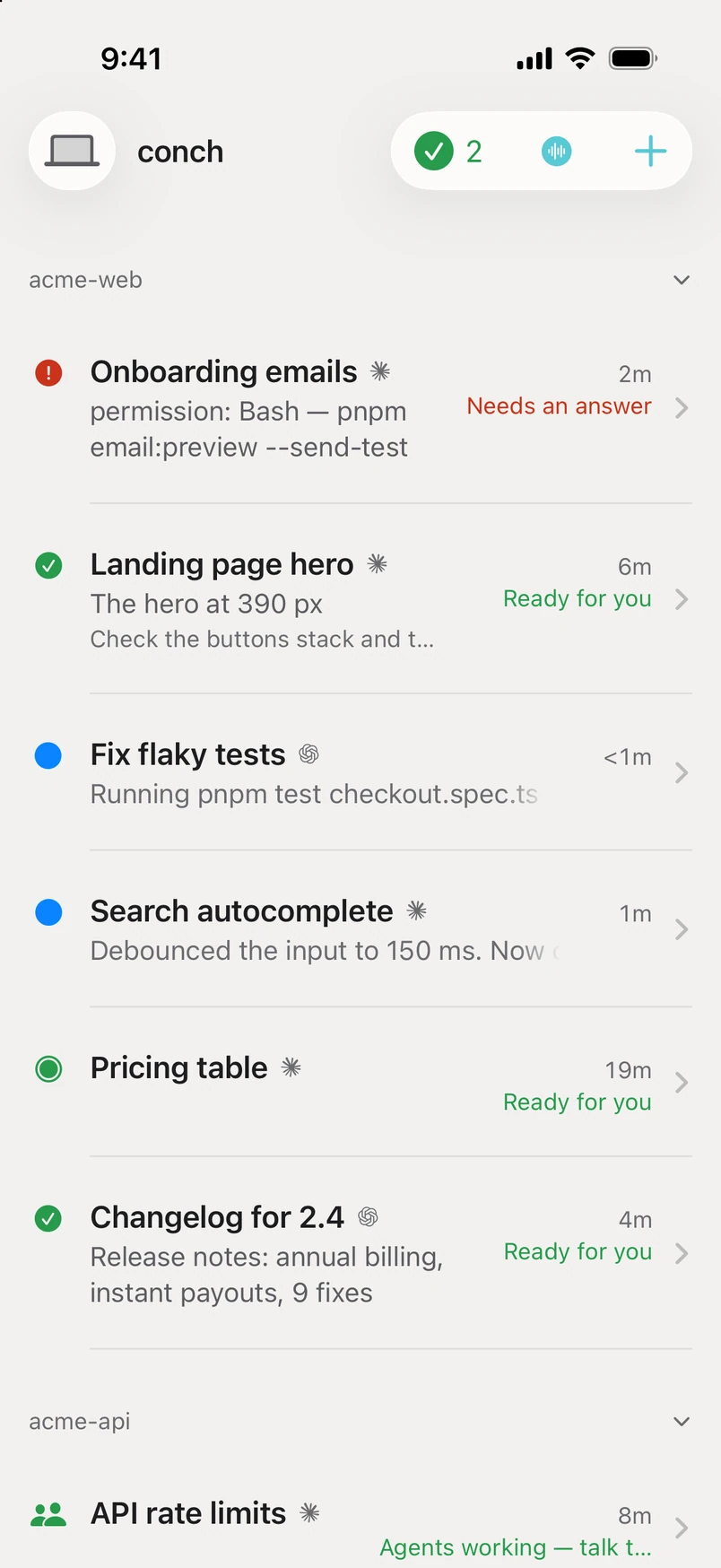
Talk to your crew and review their work from your iPhone, paired to your Mac and end-to-end encrypted.
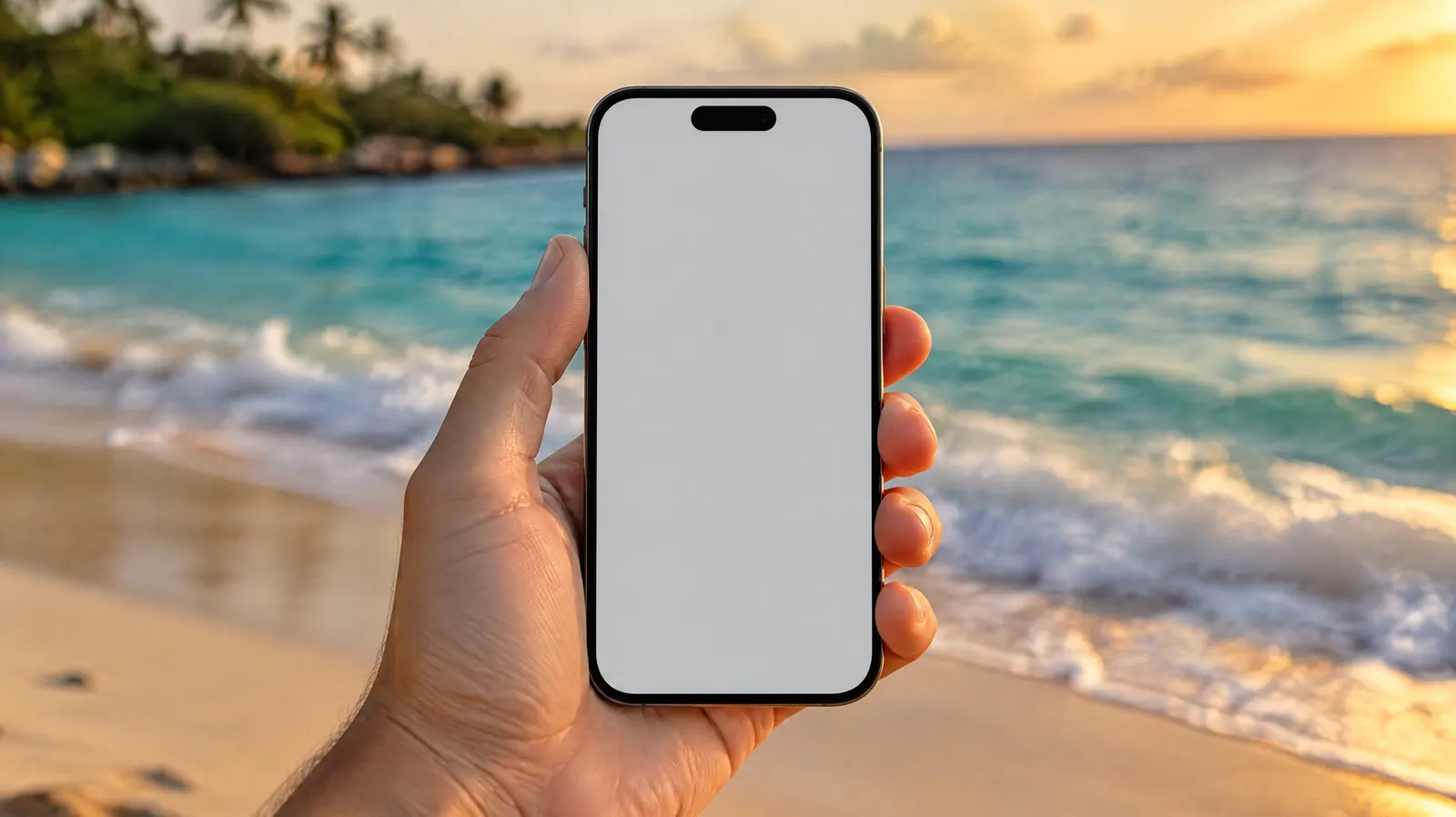
A hand holding an iPhone on a real beach at golden hour
conch on iPhone: the session list. Onboarding emails needs an answer, Landing page hero and two more are ready for you, and two are working

A day with conch.

The launch film, 1:24. Some of it ships today; the rest is what’s next.
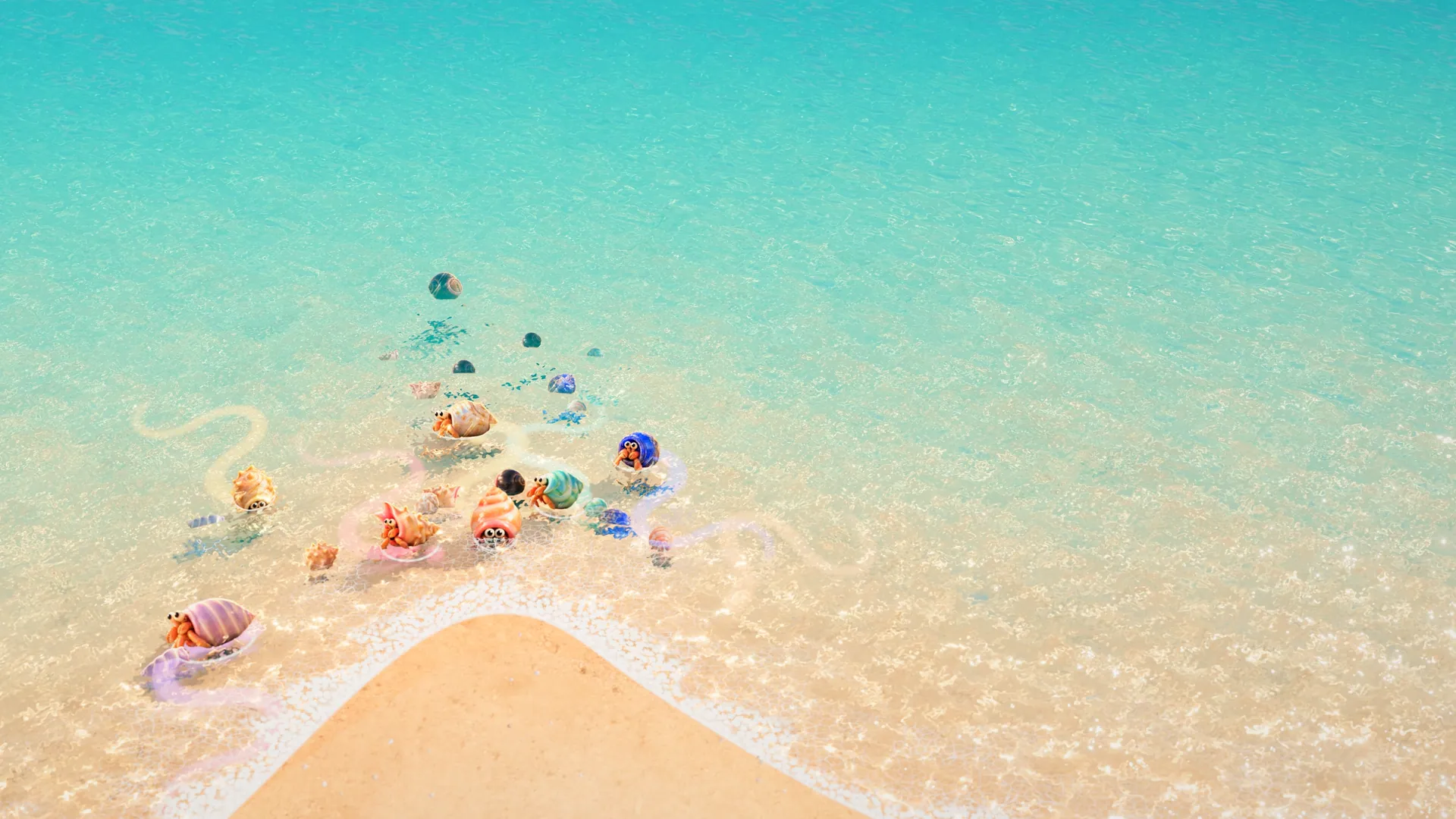
Where conch
is going.

Your crew as a world, with a game in it that runs on real work.

A legendary golden shell on wet sand at sunset, light rays behind it

Shells that grow with the work.

The shell is the context window. Approved work earns sea glass, and sea glass buys rare shells.

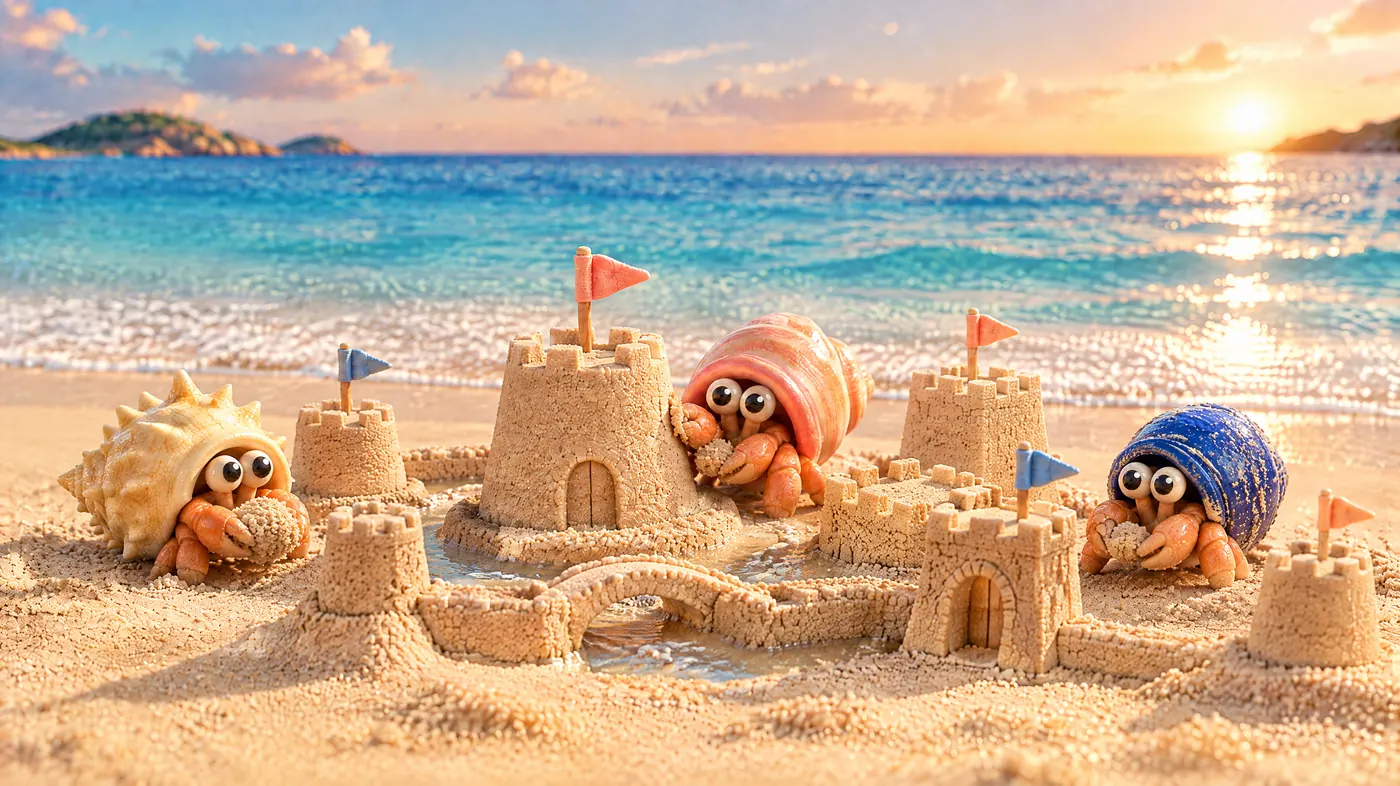
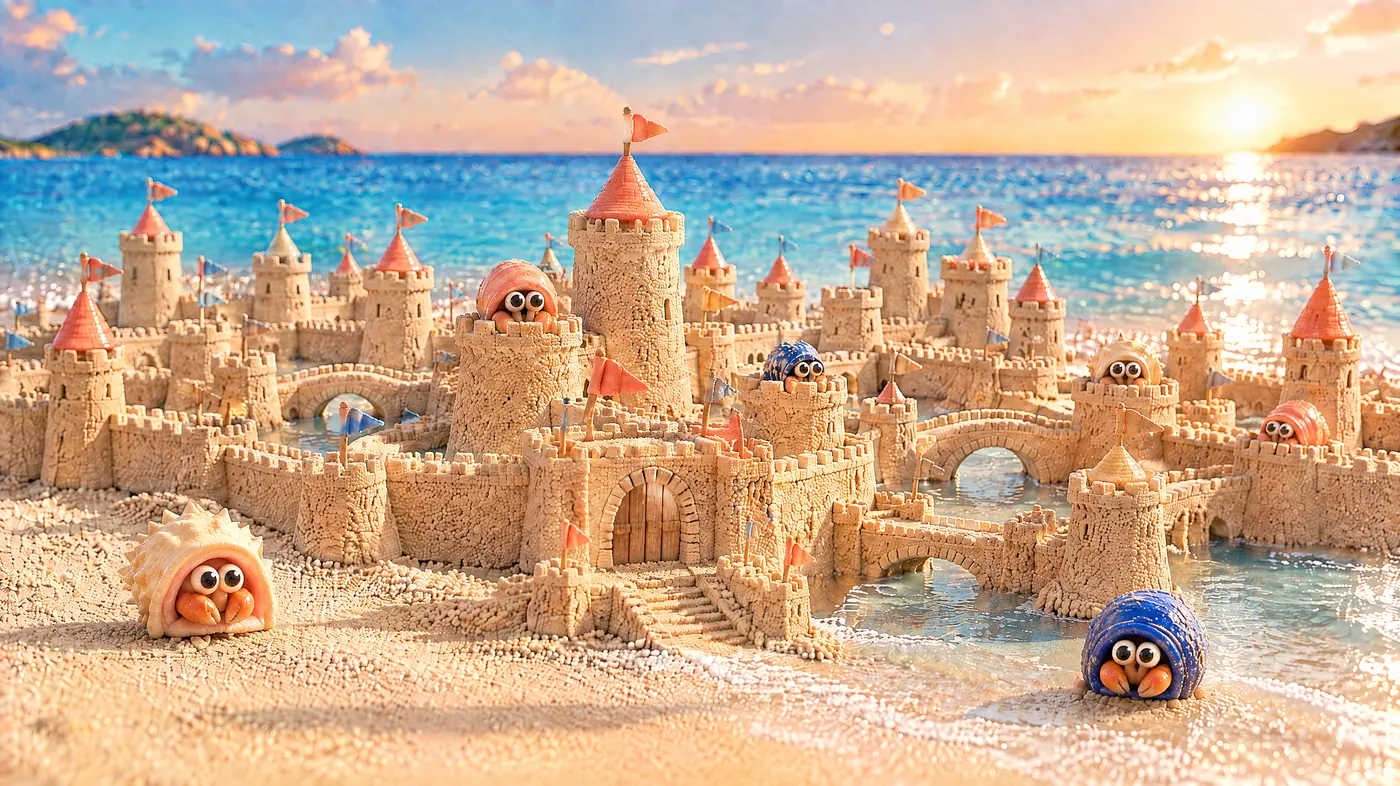
Day one: a single sandcastle on the beach, the OG patting its wall Week one: a small sandcastle town, two more crabs carrying sand Month one: a walled sandcastle city at the water’s edge Year one: the city grows out into the lagoon And then a great sand-and-coral city rising out of the lagoon at golden hour, terraces and towers with sea-glass domes, its reflection in the calm water

Every project is a sandcastle.

Crabs on one project build one castle. It grows with every change you merge, until a city rises.
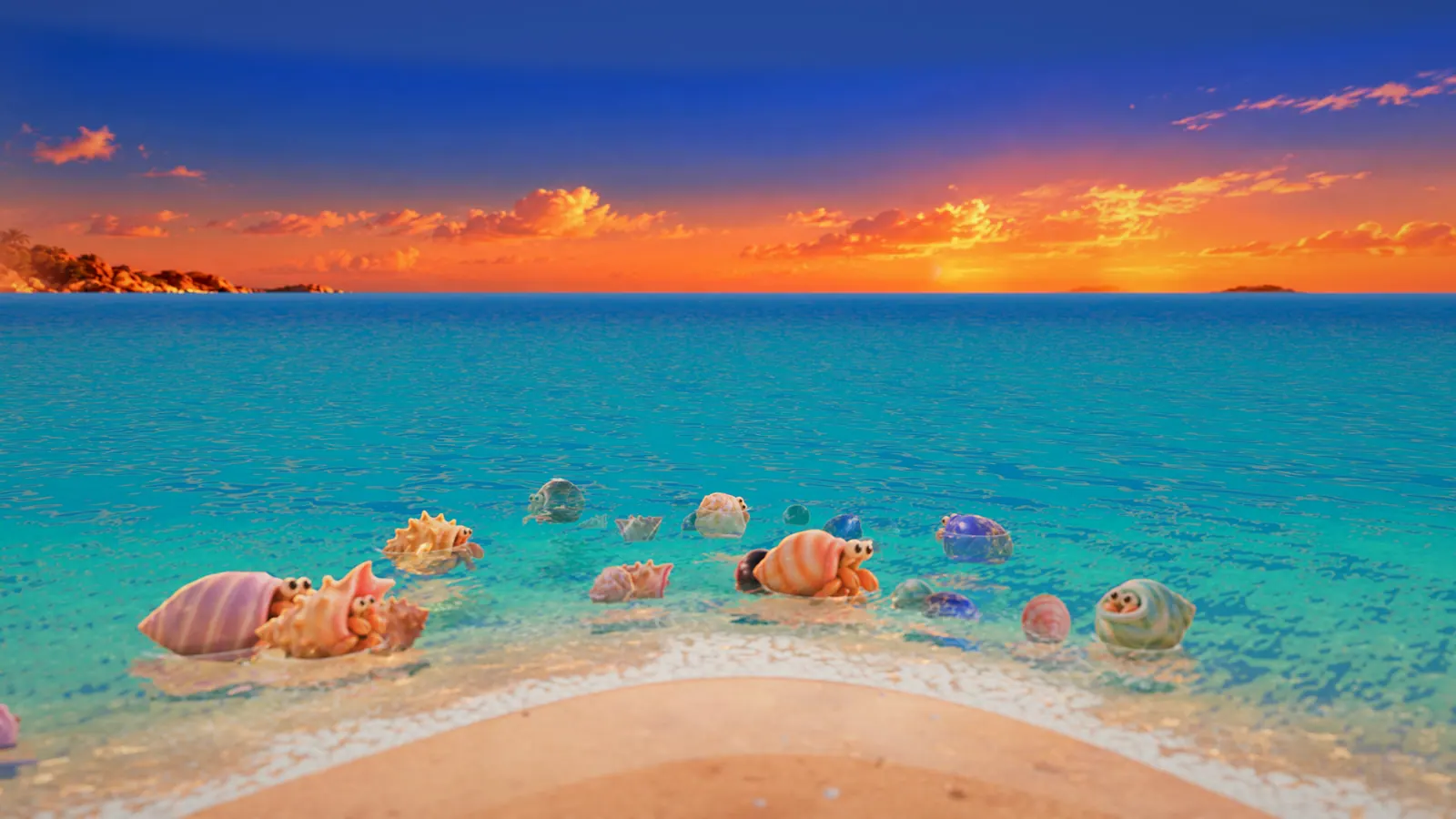
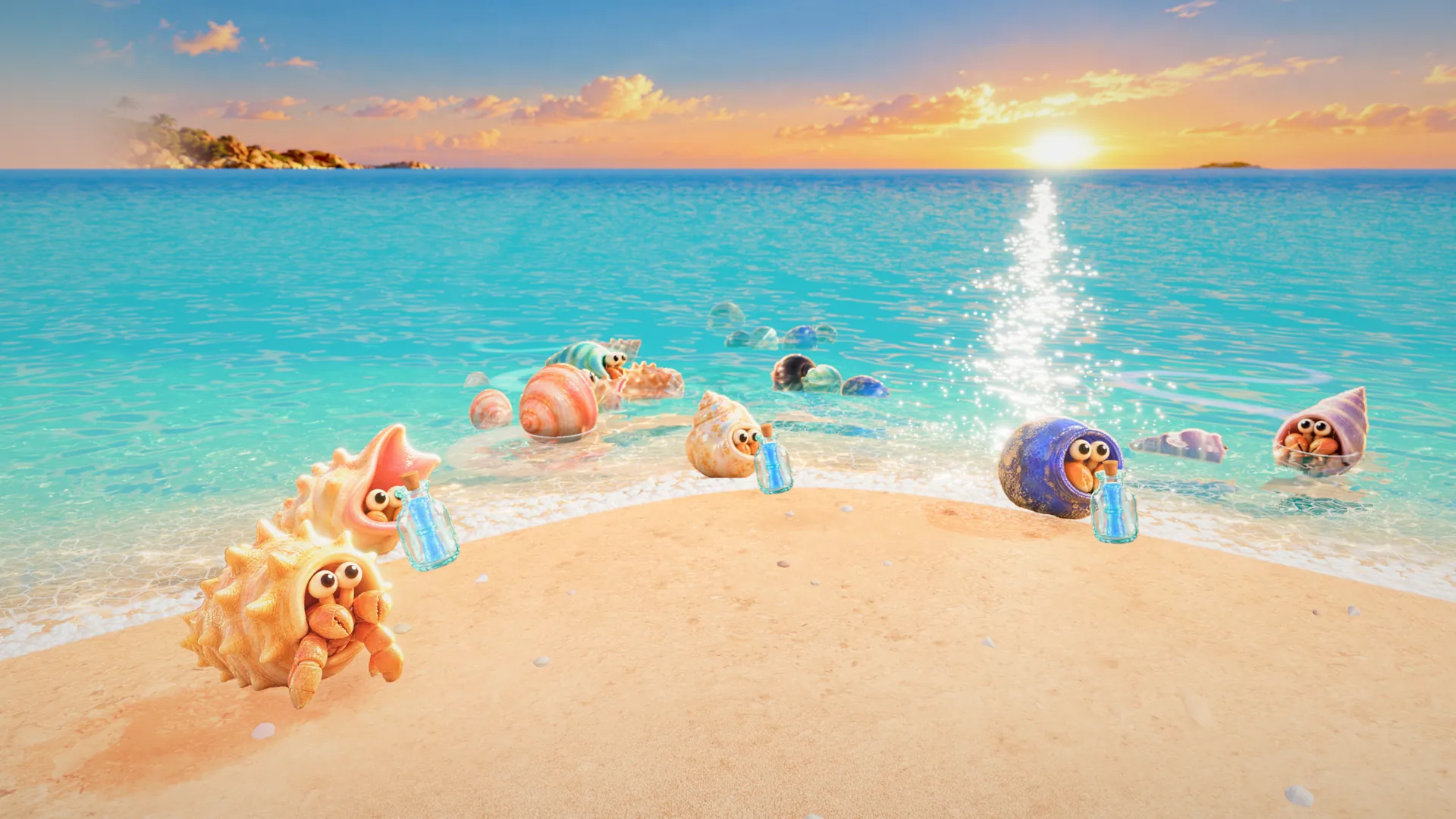
The lagoon at dusk: the crew resting in the shallows under an orange and violet sky, nothing left to do

You’re clear.

A real beach at sunset, nobody on it, the waves coming in

come out of your shell.

Leave the desk and live your life. conch minds the shells.

Install for Mac
brew install stupart/tap/conch

Install conch.

Two commands in Terminal. Free, MIT-licensed, and every line of it is on GitHub.

  1. brew install stupart/tap/conch

    conch.app (linked into Applications), its daemon and its speech engine.

  2. conch setup

    Downloads the speech model, wires up Claude Code’s hooks and installs the plugin. Safe to rerun.

  3. Finish a turn in Claude Code.

    conch speaks and opens the mic; allow it when macOS asks. Quiet? Run conch doctor.

Prefer the plugin from Claude Code’s catalog?
/plugin marketplace add stupart/conch
/plugin install conch@conch-plugins

The plugin still needs the app and CLI above. If conch setup already installed it, keep that one.

Requirements

  • macOS 14 Sonoma or later, Apple silicon or Intel
  • Claude Code, Codex, or both
  • Homebrew
  • About 600 MB for the speech model, downloaded on first run
  • Natural voices need Apple silicon; Intel Macs use the system voice

Latest release: v0.4.0. iPhone app: not yet on the App Store.